How to Achieve True "Deep Work" with a Distraction-Free Markdown Editor
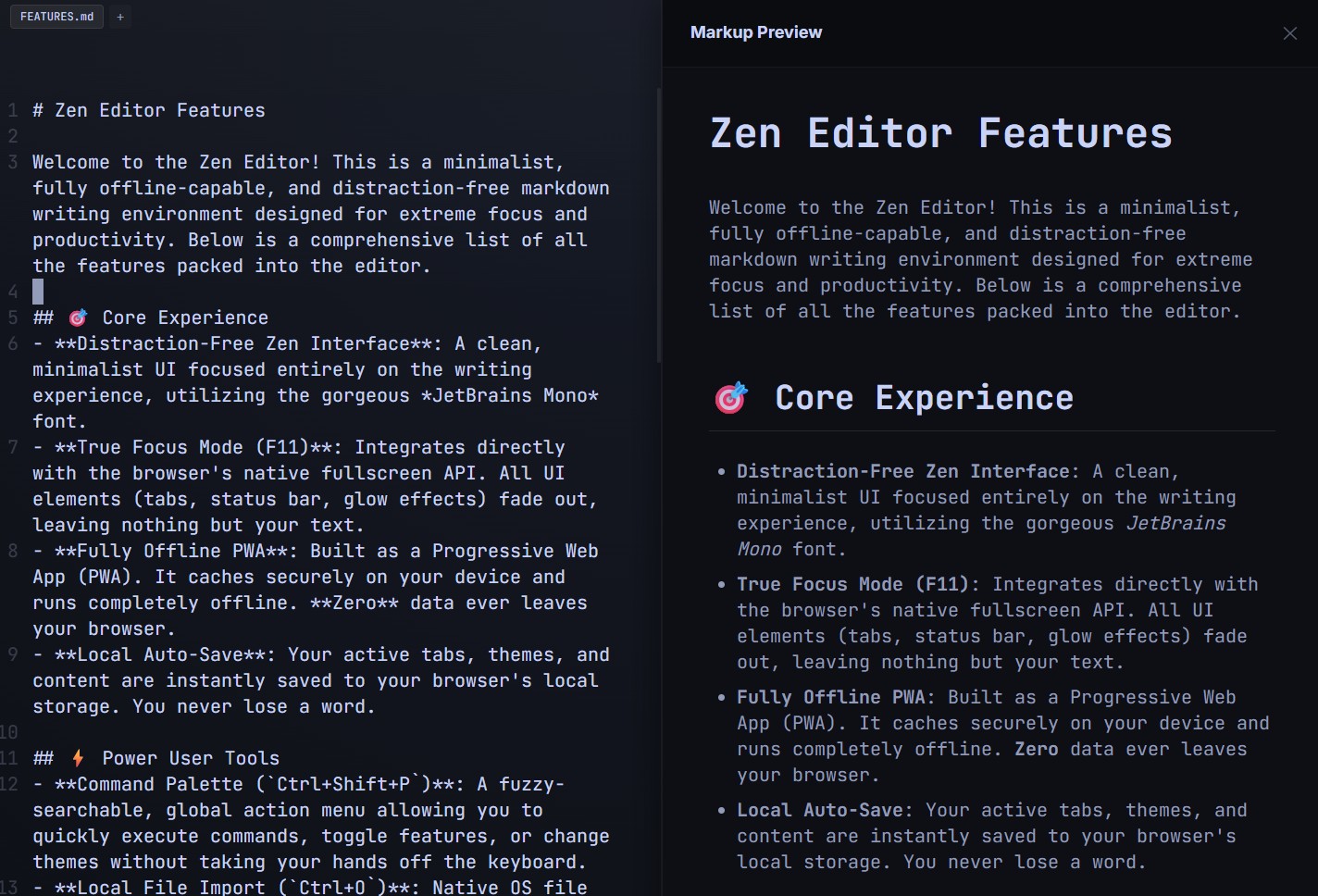 If you write for a living—whether that means drafting blog posts, composing newsletters, or writing documentation—you know that focus is your most valuable currency. But modern writing environments are actively working against you. Between flashing toolbars, complex formatting menus, and the ever-present temptation of open browser tabs, achieving a state of "deep work" feels nearly impossible.
That is exactly why Zen Editor was built. It isn't just another text editor; it is a minimalist, distraction-free markdown writing environment engineered specifically for extreme focus and productivity.
The Problem with "Feature-Rich" Editors Most word processors suffer from feature bloat. When you open a document, you are greeted by hundreds of buttons you will never use. This visual clutter creates a subtle, underlying cognitive load. Every time your eye catches a notification badge or a complex toolbar, you experience a micro-distraction. Getting back into your writing flow after these interruptions takes time—time you can't afford to lose.
Entering "True Focus Mode"
Zen Editor tackles visual clutter through its core feature: True Focus Mode. By simply pressing F11, the editor hooks directly into your browser's native fullscreen API.
This isn't just a basic "full screen" toggle that leaves your browser tabs visible. True Focus Mode aggressively strips away the interface. It removes:
Browser tabs and bookmark bars
Operating system status bars and docks
Artificial glow effects and distracting UI elements
What are you left with? Nothing but your text. By removing the visual cues that trigger context switching, Zen Editor forces your brain to engage solely with the words on the screen.
Typography Designed for Endurance A distraction-free environment isn't just about what you remove; it's about what you keep. Zen Editor utilizes the gorgeous JetBrains Mono font by default. While originally designed for developers staring at code all day, this font is incredibly legible. Its specific letter shapes and spacing reduce eye strain, making it the perfect companion for marathon writing sessions.
When you combine a pristine, minimalist UI with developer-grade typography, you get a markdown editor that doesn't just look good—it actively protects your attention span.